App Guides
How to Practice Lexia, i-Ready, or Amplify Skills at Home
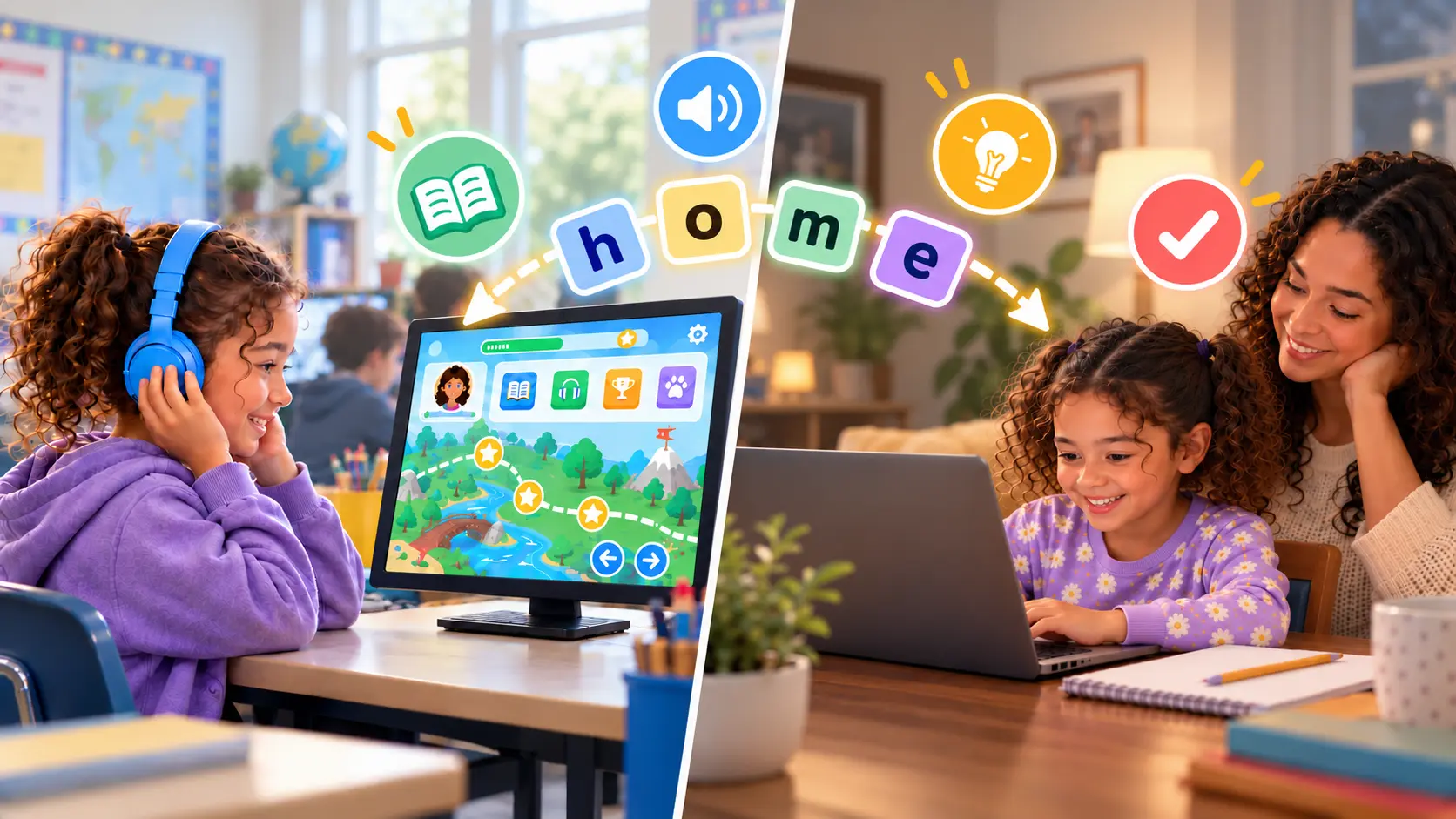
If your child uses Lexia, i-Ready, or Amplify at school, you can usually use the same program at home, help during its lessons, and practice the skills it teaches in about 10 minutes.
Lexia, i-Ready, and Amplify are reading programs that schools buy, and your child can use the school’s account at home when the school has set it up. Ask the teacher for the login and how many minutes a week the school wants.
What each program is, and why your child uses it at school:
- Lexia Core5 Reading is an online program for grades pre-K–5 that gives each child personalized practice on reading skills, at their own level.
- i-Ready is best known for the i-Ready Diagnostic, a reading and math test many schools give three times a year to see what to teach next. It also has online lessons.
- Amplify makes Amplify CKLA, a whole-class reading curriculum, and Boost Reading, its game-based online reading program. Its mCLASS is a reading test, covered in DIBELS explained.
The program belongs to the school, but the skills it teaches do not. In kindergarten through second grade, all three teach the same foundations: hearing the sounds in words, matching letters to sounds, blending sounds into words, and reading common words quickly. Because the skills are shared, you can practice them with anything. Ask the teacher which skill the class is on, then practice it for about 10 minutes, with the program or with an app that lets you choose the skill.
Can my child use Lexia, i-Ready, or Amplify at home, and for how long?
Lexia, i-Ready, and Amplify each come home through the school’s login.
Lexia Core5 Reading at home
Lexia Core5 Reading can be used at home if your child’s school or district has bought it. It runs in a web browser on a computer or Chromebook, and through the Lexia Core5 app on an iPad.
Your child signs in with the username and password the school provides, and Core5 does not work without that active school account. If no login details came home, ask the school for the teacher’s email address and your child’s username and password.
Lexia does not sell Core5 to families. Families who want a home license are referred to a reseller, Family Literacy Centers. If your child’s school already uses Lexia, the school’s account is the one to use.
i-Ready lessons at home
i-Ready lessons come through the school’s i-Ready login, and the school decides whether they are open at home. The publisher, Curriculum Associates, has a set of Fridge Tips for families whose child does i-Ready lessons at home.
If your child ever takes the i-Ready Diagnostic at home, do not help. Help changes the score, so the teacher sees a reader who can do more than your child can yet. What the test’s numbers mean is in i-Ready scores explained.
Boost Reading and Amplify CKLA at home
Boost Reading and Amplify CKLA come home through the Amplify Hub, where your child logs in the same way as at school. Boost Reading is built to extend CKLA’s classroom lessons, so in a school that teaches CKLA, it practices what the class is being taught. If CKLA’s Student Readers come home, they practice the sounds and spellings the class has just learned.
How long should my child use the program at home?
Use the minutes the school sets, and no more. The school has chosen an amount that fits its plan for your child. More than that means tired sessions at the end of a school day, which show the program less than your child can do. Ask the teacher for the weekly target, and whether any of it is meant for home.
If the school names no target, use the publisher’s weekly total:
- Lexia Core5 Reading: each child gets a target of 20–80 minutes a week, set by grade and performance and updated monthly. Your child’s Core5 dashboard shows the target and the minutes used so far this week.
- i-Ready: Curriculum Associates’ family guide recommends 30–49 minutes of lessons per subject a week, passing at least 70 percent of them. The My Progress page shows the minutes your child has spent this week.
- Boost Reading: Amplify recommends about 30–45 minutes a week in K–3, in sessions of 10–15 minutes.
These are totals for the week, not home targets, and time in class counts toward them. A child who uses the program at school may reach the total there, so check the dashboard or ask the teacher before adding time at home. If home use is not set up, short practice on the class’s current skill does the same job.
Wonster Words needs no school login. You download it yourself on Apple or Google Play and choose the skill it practices. Your child can work on the class’s current skill whether or not the school program comes home.
How do I help when my child does i-Ready or Lexia lessons at home?
Sit nearby, help with the device, and let your child find the answers. A program records any answer you give as your child’s. It then shows more than your child can do alone, and the teacher plans from that record.
- Help with the login and the headphones, then step back.
- Cheer effort, not right answers. Say “You kept going on that one” rather than checking each screen.
- Stop when your child is tired or upset, and tell the teacher which part was hard. A program that is too hard at home is information the school needs.
- Use the publisher’s own tips. Curriculum Associates’ Fridge Tips cover i-Ready lessons at home, and Amplify’s caregiver page covers its programs.
If home practice has already turned into a battle, what to do when your child resists reading practice starts with whether the work is too hard.
A short log keeps the week visible. Write the skill or words the teacher gave you, then one row a day for what you practiced and how many minutes. Bring it to the next conversation with the teacher.
Free PDF · no sign-up
Free printable reading practice log
One page for a school week: a line for this week's skill or words from the teacher, a row a day with what you practiced, the minutes circled, a box to tick or sticker, and a line for what to tell the teacher. It works whatever program your child's school uses. No account, no email.
What skills do school reading programs like Lexia teach?
Lexia, i-Ready, and Amplify name their skills differently, but in K–2 they teach the same foundations. The National Reading Panel named five components of reading instruction in 2000: phonemic awareness, phonics, fluency, vocabulary, and comprehension. Each program names its skills from that list, which is why a skill on one program’s report matches a skill on another’s.
| The skill, in plain words | Lexia Core5 Reading calls it | i-Ready calls it | Amplify’s Boost Reading calls it | Where to practice it |
|---|---|---|---|---|
| Hearing the sounds in spoken words | Phonological Awareness | Phonological Awareness | Phonological awareness | Hearing the sounds in words, Elkonin boxes |
| Letters and their sounds | Phonics | Phonics | Letter sound correspondence | The alphabet and letter sounds |
| Sounding out words | Phonics, Structural Analysis | Phonics | Early decoding | Teaching CVC words, blending help |
| Reading common words quickly | Automaticity/Fluency | High-Frequency Words | Fluency | How to teach sight words |
| Word meanings and stories | Vocabulary, Comprehension | Vocabulary, Comprehension | Vocabulary, comprehension processes | Reading aloud together and talking about the story |
Skill names as each publisher lists them, October 2026.
Find the skill on your child’s report or screen in the middle columns, then follow it to the last column. Core5 covers grades pre-K–5 and Boost Reading K–5, and the first four rows are the K–2 skills. If you are not sure in what order the skills come, what order to teach phonics lays it out.
Where can I see which skill my child is working on?
i-Ready lets you see your child’s lessons yourself. For Lexia and Amplify, ask the teacher for the program’s family report.
- i-Ready: sign in with your child’s login and open My Progress, which lists the name and quiz score of each lesson your child has taken. Curriculum Associates says it shows the skills of the lessons your child has passed. If your district shares test results this way, For Families on the same dashboard opens the For Families report, and what i-Ready Diagnostic scores mean walks through it.
- Lexia Core5 Reading: families have no login of their own. The teacher can print a Core5 Parent Report from the school’s Lexia account. Your child’s own screen shows progress through the current unit as a green bar that fills when the unit is finished.
- Boost Reading: the teacher can email or print a Caregiver Report, which shows how your child is progressing toward grade-level reading goals.
- Amplify CKLA: pages marked Take-Home in CKLA’s Activity Books open “Dear Family Member” and say what your child was just taught. One explains that your child has been taught to read words by saying the sounds and blending them. Schools on CKLA’s third edition can also send home a letter after each end-of-unit assessment.
- mCLASS: the Home Connect letter shares your child’s DIBELS results in family-friendly charts, with activities to practice the skills at home.
How do I practice the same skills at home without repeating the school’s lessons?
Practicing a skill is not repeating a lesson. The school program teaches new steps in its own order. Home practice is short, familiar work on the step the class is already on, while your child is still learning it.
Ask the teacher two questions: which skill or unit is the class on now, and which words or sounds are this week’s? Practice those. For the wider set of questions to bring to a meeting, see questions for the parent-teacher conference.
About 10 minutes on most days is easier to keep up than a long session on the weekend. Why daily practice is not working covers what to change if it stops helping. If your child is in a small reading group at school, the reading intervention group guide explains what the group works on and how home practice fits around it.
Match the method, not just the skill. A second tool on the same skill does not confuse a child. A clash comes from method: if the teacher uses particular sound cues, a keyword picture for each letter, or a way of tapping out sounds, use the same ones at home. Ask the teacher what the class uses.
Change the activity, not the skill. Your child already practices the class’s skills in the school program. Make home practice look different: the same skill as a game, not a second sitting of the same lessons. Tap out the sounds of words in the car the way the class does, build this week’s words with magnetic letters, or hunt for them in a picture book. The sight word games, spelling games, and rhyming activities guides have more. Rotate them through the week, so the same 10 minutes is a different game most days.
Keep story time separate from practice. Reading aloud for enjoyment builds vocabulary and comprehension, and it works best with no test in it. Teaching reading at home covers the full routine.
What should I look for in a reading app to use alongside a school program?
Look for an app that lets you choose what it practices. A home app earns its place beside a school program by letting you point it at the skill the teacher named tonight. Five things to check:
- You can choose the skill, by opening a topic or a section, rather than following one fixed path.
- You can practice the week’s words, by typing in your own list.
- Sessions are short, so 10 minutes is a complete session.
- It feels like play: a game on the same skill, so home practice is not a second lesson.
- It stays practice: no ads and nothing that sends your child off to the internet.
Look for practice on the two skills with the strongest evidence. The Institute of Education Sciences practice guide on foundational reading skills gives its top rating, strong evidence, to two recommendations. They are linking the sounds in speech to letters, and teaching children to decode words and recognize them. An app that works on those two is working on what the school program is teaching.
For more help choosing:
- How to tell whether a reading app teaches phonics has checks that apply to any app.
- How to choose a reading app works through each family situation.
- The best phonics apps compared puts the options side by side.
- Free phonics apps and resources covers the no-cost options.
- If the app you are weighing against a school program is ABCmouse, the ABCmouse alternatives comparison covers it.
The sign that home practice is working shows up at school: the teacher moves the class on, or your child reads this week’s words in a book without help.
Frequently asked questions
Can Lexia be used alongside other reading programs effectively?
Yes, when the two practice the same skills. Lexia Core5 Reading works through reading skills in its own order. A second program or app used at home works best on the skill the class is on right now, for about 10 minutes. It should not start new skills of its own. Ask the teacher which skill that is.
What skills do Lexia and similar reading apps help develop in children?
Lexia Core5 Reading lists phonological awareness, phonics and structural analysis, fluency, vocabulary, and comprehension. i-Ready's reading test covers phonological awareness, phonics, high-frequency words, vocabulary, and comprehension. Amplify's Boost Reading names phonological awareness, letter sounds, decoding, fluency, vocabulary, and comprehension among its skills. All three teach the same foundations: hearing the sounds in words, letter sounds, blending, and reading common words.
Can using multiple reading apps confuse young learners?
Practicing the same skill in two places does not confuse a child. A clash comes from method, not from the number of apps. If the teacher uses particular sound cues, a keyword picture for each letter, or a way of tapping out sounds, use the same ones at home. Keep the home practice on the skill the class is on.
What reading programs can supplement Lexia's approach without repeating the same content?
Choose something that practices the same skill in a different form, so it does not feel like a second lesson. Sound games out loud, magnetic letters, a word hunt in a picture book, and a reading app that lets you choose the skill all do this. Keep it to about 10 minutes on the skill the class is on now.
What age group is Lexia best suited for among reading apps?
Lexia Core5 Reading is for grades pre-K–5. The early skills it covers, hearing the sounds in words, phonics, and reading common words, are the reading skills of K–2.
Which reading app is better for 5-year-olds: Lexia or ABCmouse?
They are different kinds of product. Lexia Core5 Reading is a reading program a school buys and sets up for your child, and it needs the school's account. ABCmouse is an app a family buys, with a broad curriculum across subjects for ages 2–8. If your child already has Lexia through school, a home app works best when it practices the same reading skills.
How does Starfall's approach to teaching reading differ from Lexia's?
Starfall is a phonics-first website and app a family can use directly, with a free sample and a paid membership. Lexia Core5 Reading is a program a school buys, and a child uses it through the school's account. A family cannot sign up for Lexia the way it can for Starfall.
Are there any free reading apps for kindergarteners that teach like Lexia?
Lexia itself costs your family nothing when the school has bought it, so ask the teacher for the login first. Free phonics apps and printable resources exist too. Look for one that lets you choose the skill, so it practices what the class is on.
How can I track my kindergartner's progress with reading apps?
Use the school program's own progress report, since the program measures your child against its own lessons. On i-Ready you can open My Progress with your child's login. For Lexia Core5 Reading, ask the teacher for a Core5 Parent Report, and for Boost Reading, a Caregiver Report. For practice at home, a simple log of the skill, the minutes, and the days is enough to show the teacher what you have done.
Is Lexia Core5 free?
Lexia Core5 Reading is free to your family when your child's school or district has bought it, and your child logs in at home with the school's account. Lexia does not sell individual licenses for home use. It refers families who want one to a reseller, Family Literacy Centers.
Is i-Ready free?
Schools buy i-Ready, and your child uses it through the school's login. Ask the teacher whether your child's i-Ready lessons are set up for home use and how many minutes a week the school wants.
How long does an i-Ready lesson take?
Curriculum Associates gives a weekly figure rather than a lesson length: 30–49 minutes of lessons per subject a week, passing at least 70 percent of them. That is a total, so lessons at school count toward it, and the teacher may set a different target. Keep to it rather than adding extra time: a short, rested session shows the program more of what your child can do than a long, tired one.
Lexia vs i-Ready: what is the difference?
Lexia Core5 Reading is an online reading program a child works through at school and, with the school's account, at home. i-Ready is best known for its i-Ready Diagnostic test, which schools give three times a year, and it also has online lessons. A school may use either one, or both, and each comes through the school's login.
Related guides
Last updated